The GEMA App for Professional DJs
Setlists to Reports.
Automatically.
Import your sets from Rekordbox & Serato and create GEMA-compliant music programme lists – locally, privately, in minutes.
GEMA Explained
Why submit a setlist to GEMA?
GEMA is Germany's performing rights organisation. Setlists ensure that composers and songwriters are compensated for their music being played – and in certain cases, you as a DJ benefit directly.
Standard DJ Gig
You play other artists' tracks at a club or event. The venue or organiser pays GEMA licensing fees as a flat rate – no setlist required from you. Royalties are distributed using statistical models rather than your actual tracklist.
DJ Live Act / Own Works
You perform as a live act, playing original compositions or live remixes. Setlist submission is legally required – and you benefit directly: if your works are registered with GEMA, you receive royalty payments for every performance.
Concert-Style Events
Festivals or headline events where the DJ performance has the character of a concert. GEMA can then distribute income directly to the composers and producers of the tracks you played – fair pay for everyone in the music ecosystem.
Who benefits?
- ✓Composers & producers – receive royalties for every track played
- ✓Lyricists & songwriters – get their share of the collected fees
- ✓Music publishers – receive their portion of the distribution
- ✓DJs with GEMA membership who performed their own registered works
How does it work?
The event organiser pays GEMA licensing fees based on event type and attendance. GEMA then distributes these as royalties to rights holders – but only if it knows which works were played. Without a setlist, distribution falls back to statistical averages.
Who is responsible? Primarily the event organiser – but this obligation can be delegated to the performing DJ.
Submission deadline
6 weeks after the event
Late penalty
+10 % on GEMA licensing fees
DJReport makes it easy
GEMA-compliant xlsx in seconds
Features
Every feature you need.
From import to finished GEMA report – everything in one app.
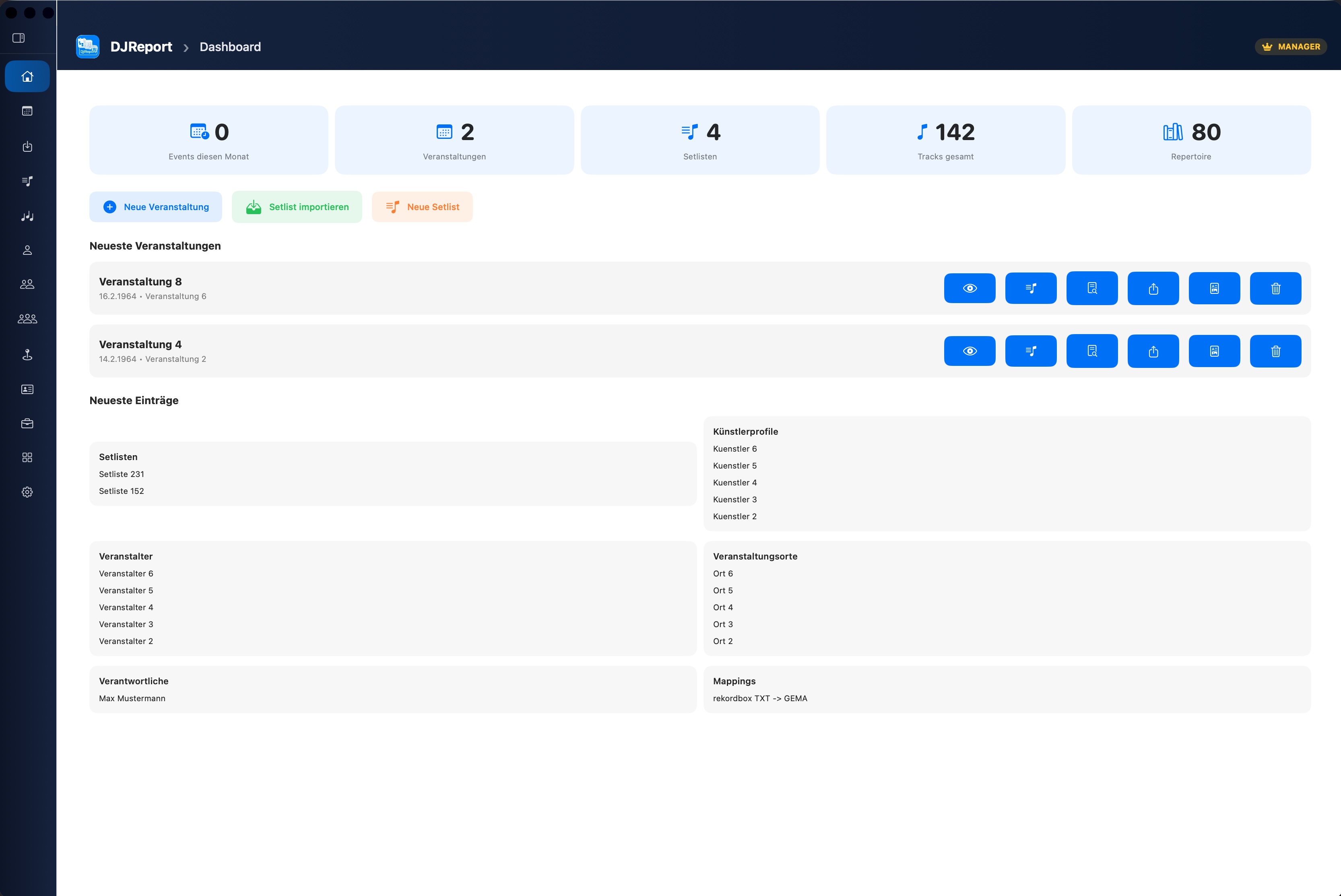
7-Step Wizard
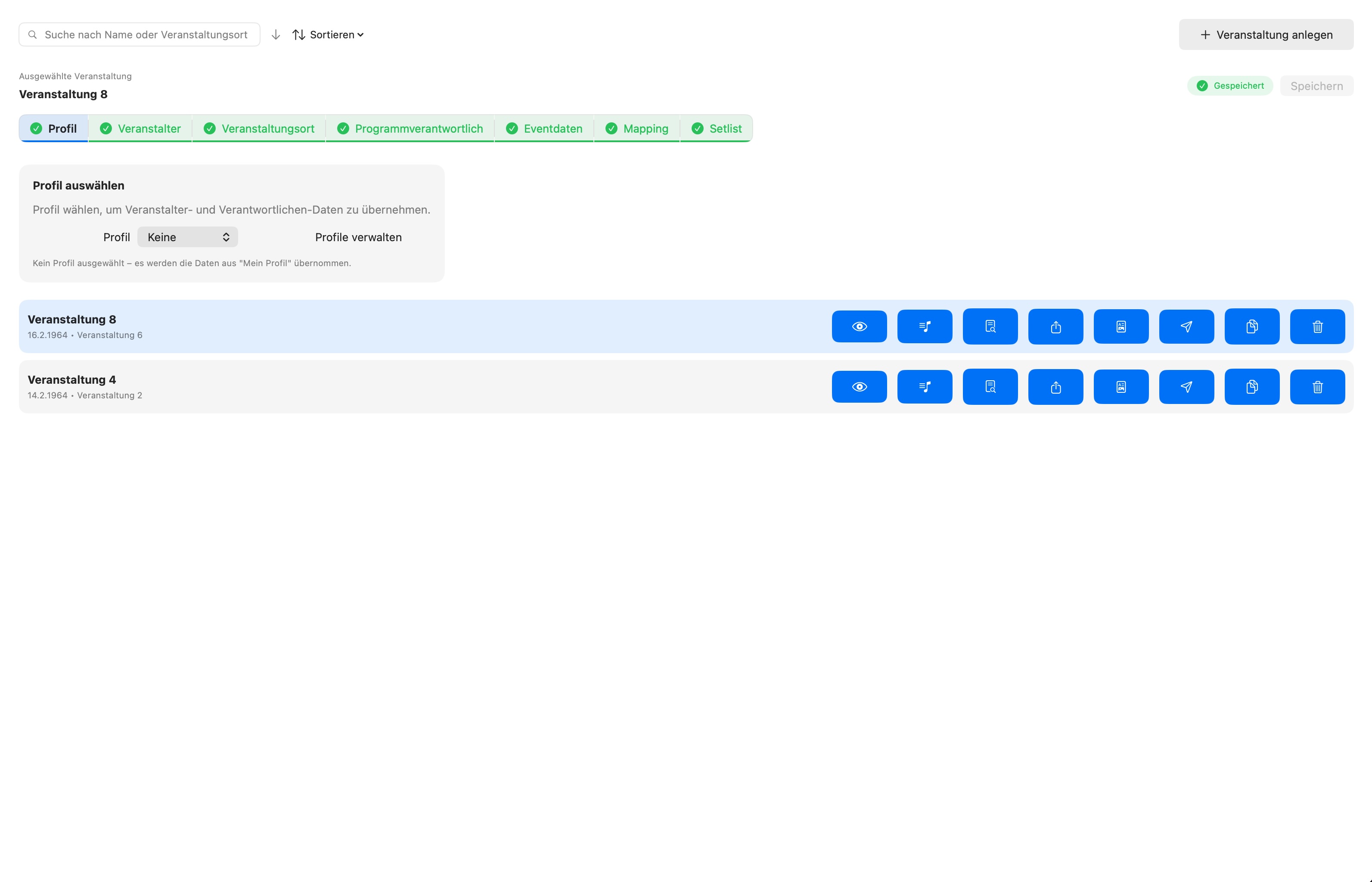
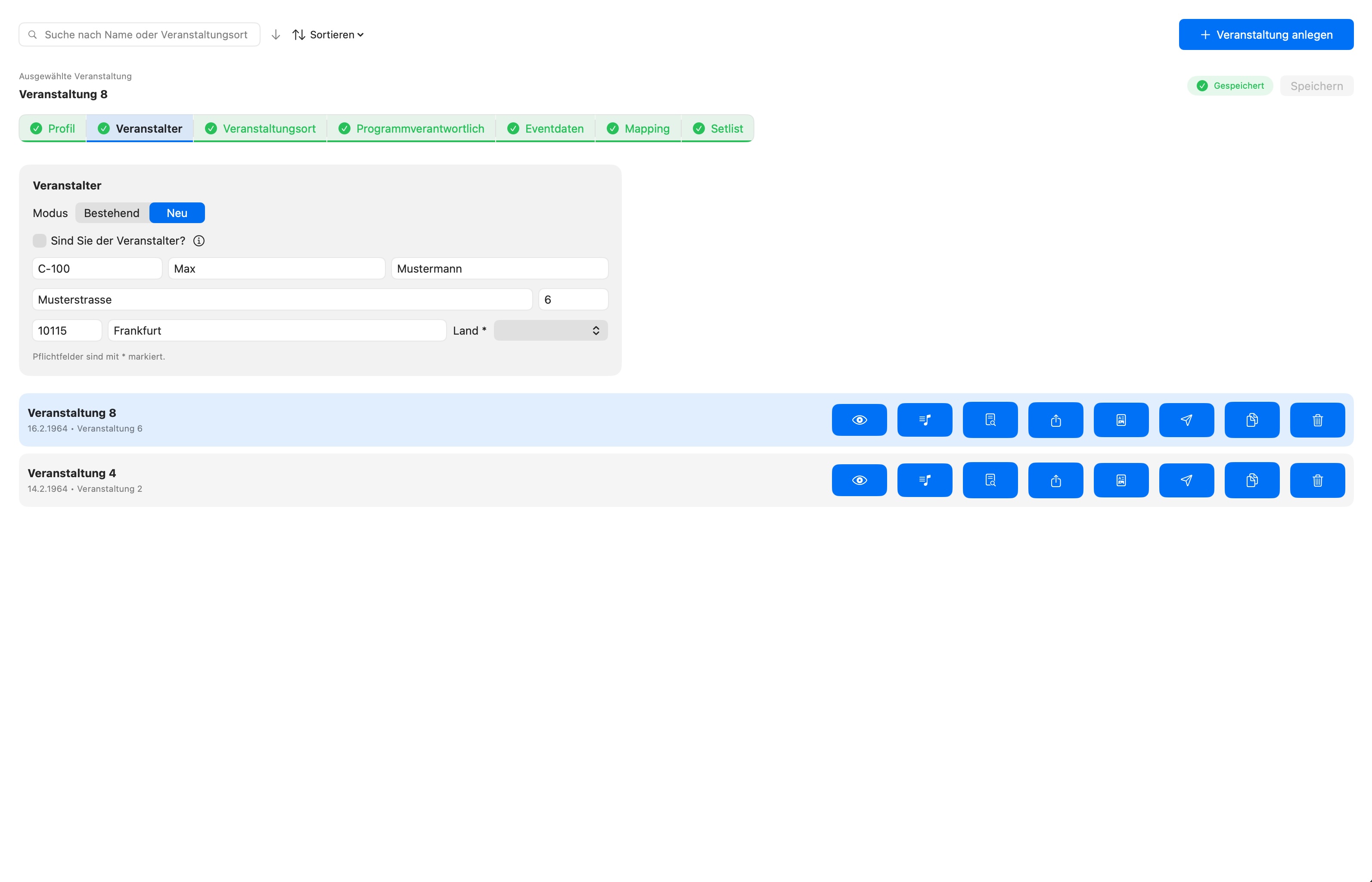
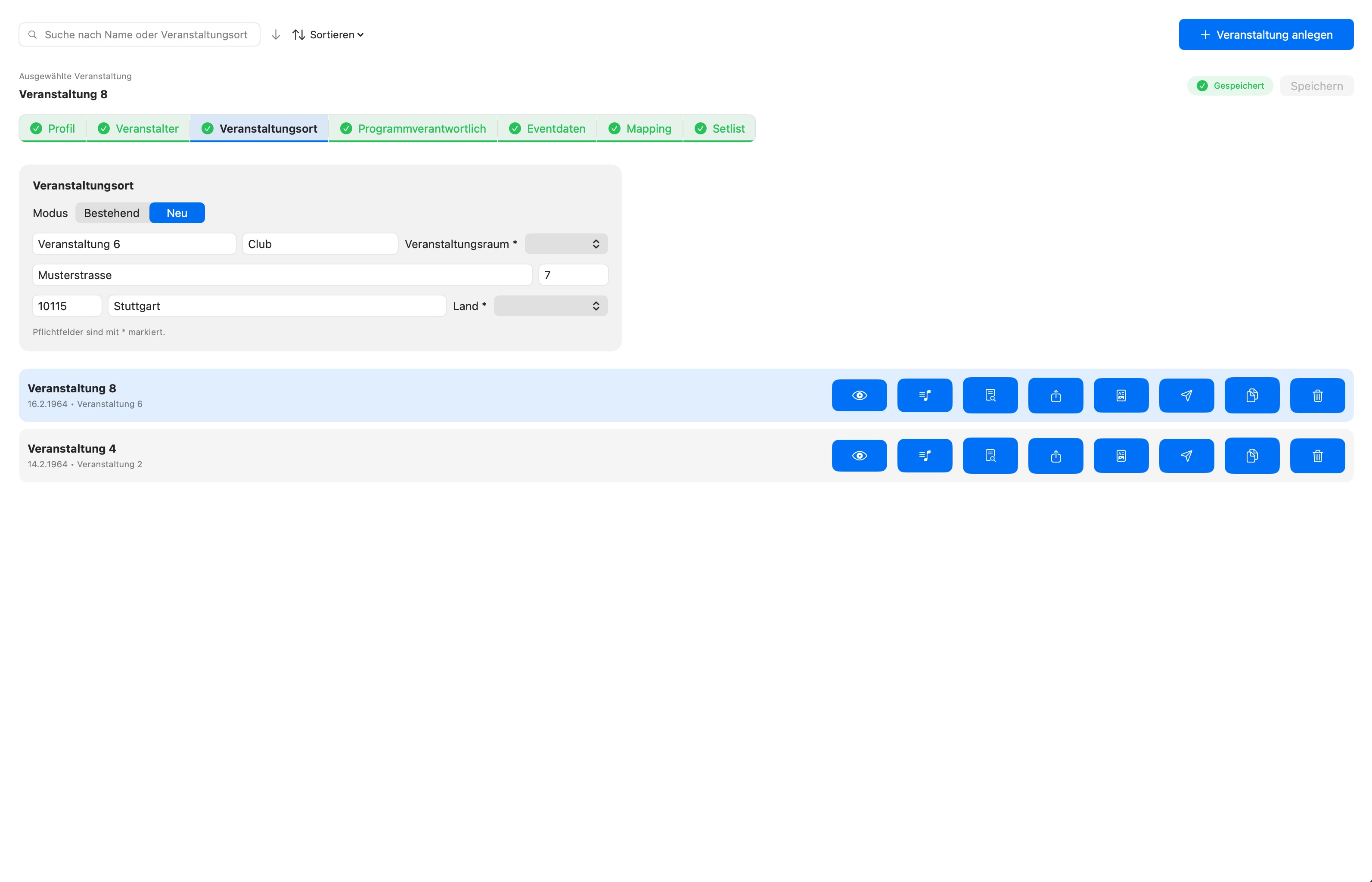
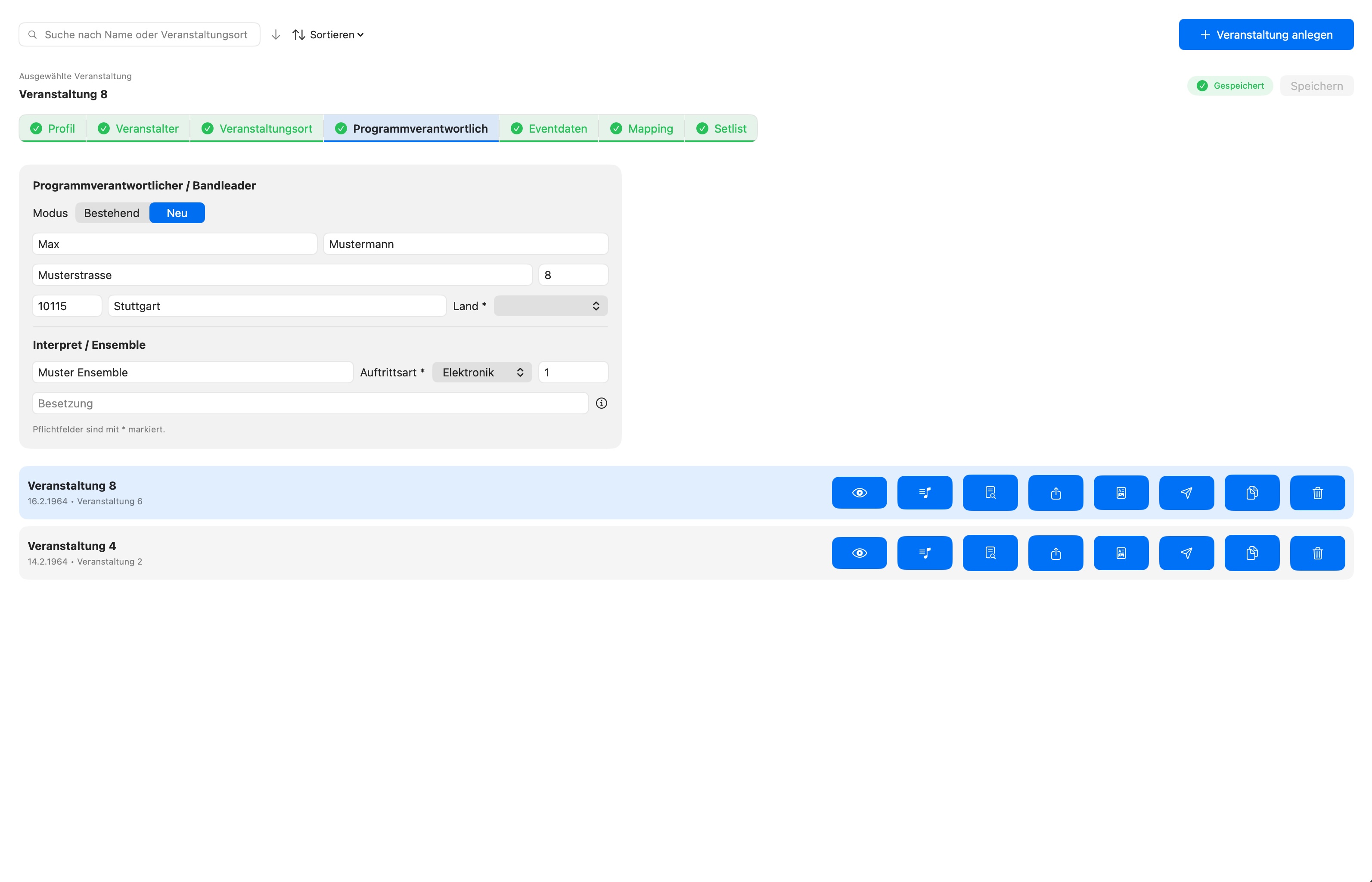
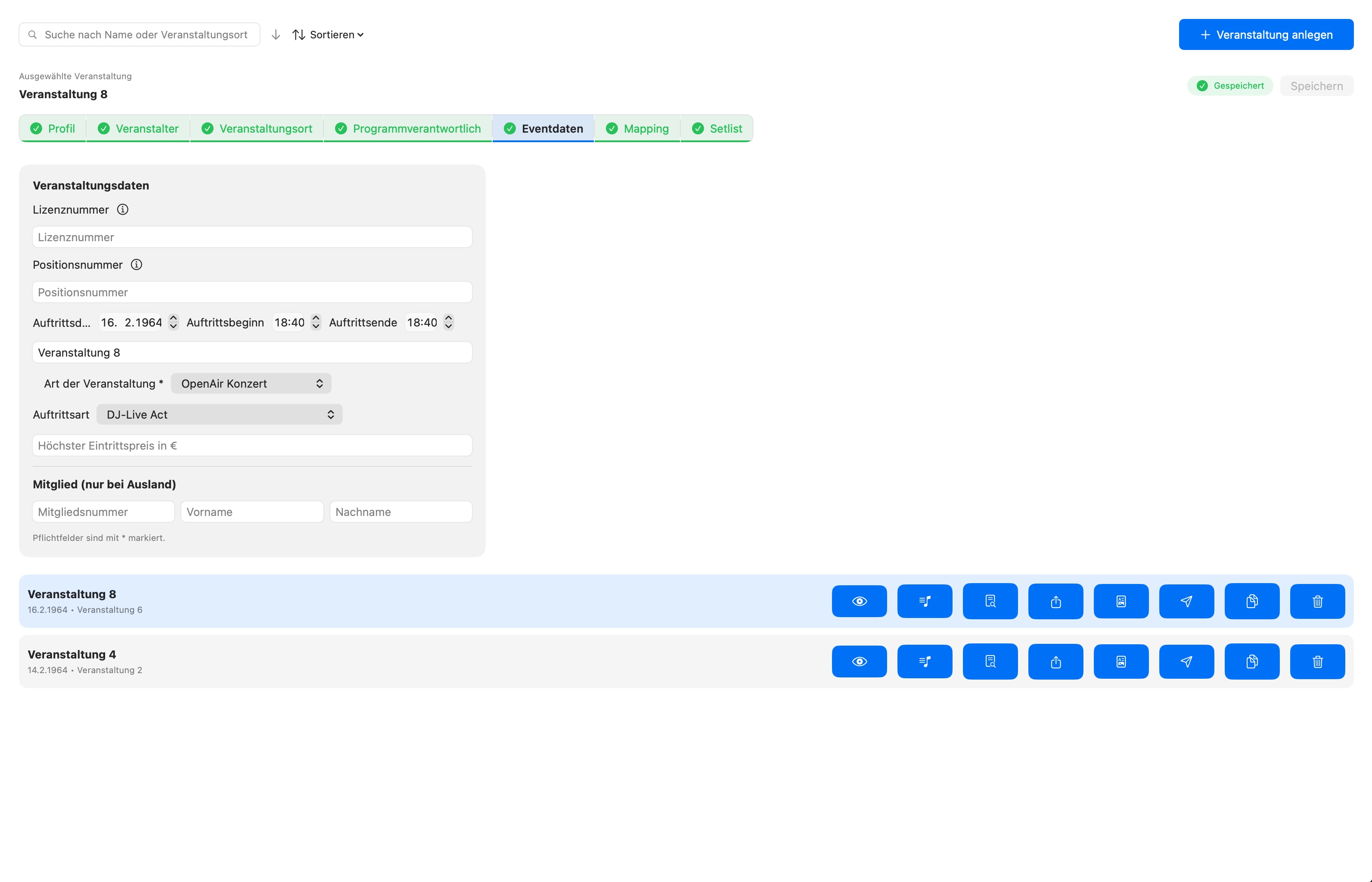
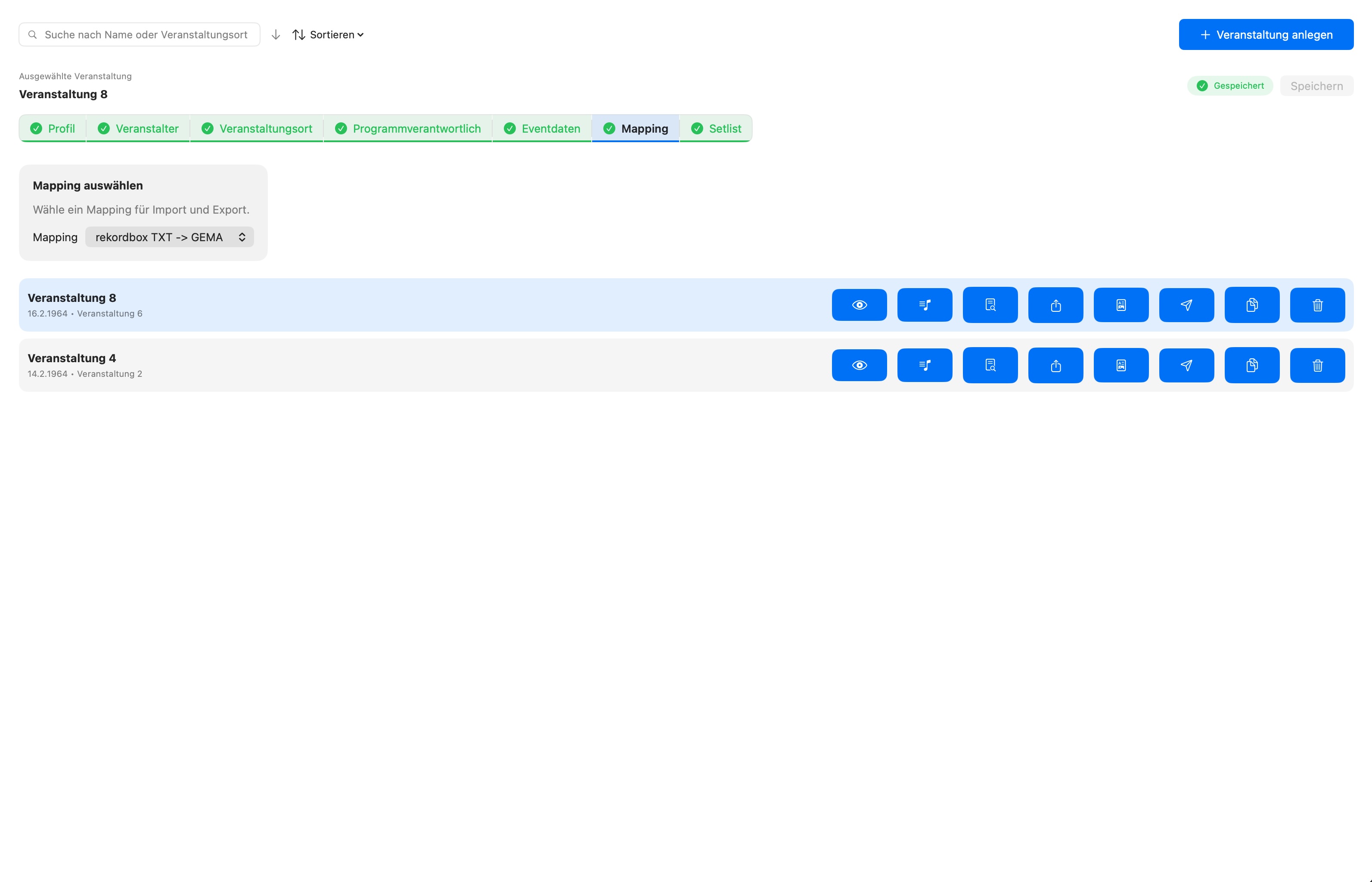
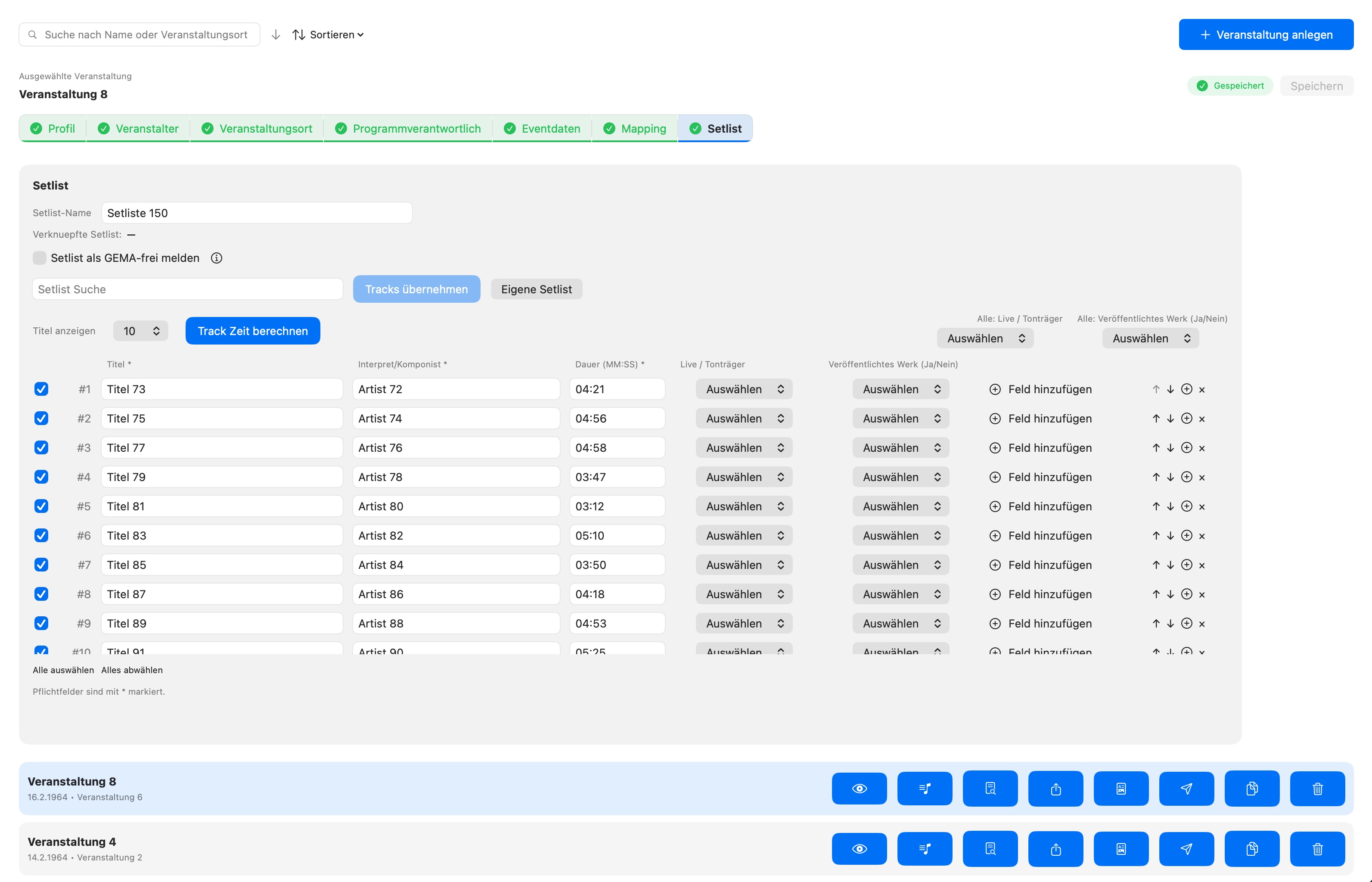
The guided wizard takes you through every event step by step. Profile, organiser, venue, event data, mapping and setlist – all in one place. Required fields are marked, navigation is intuitive.
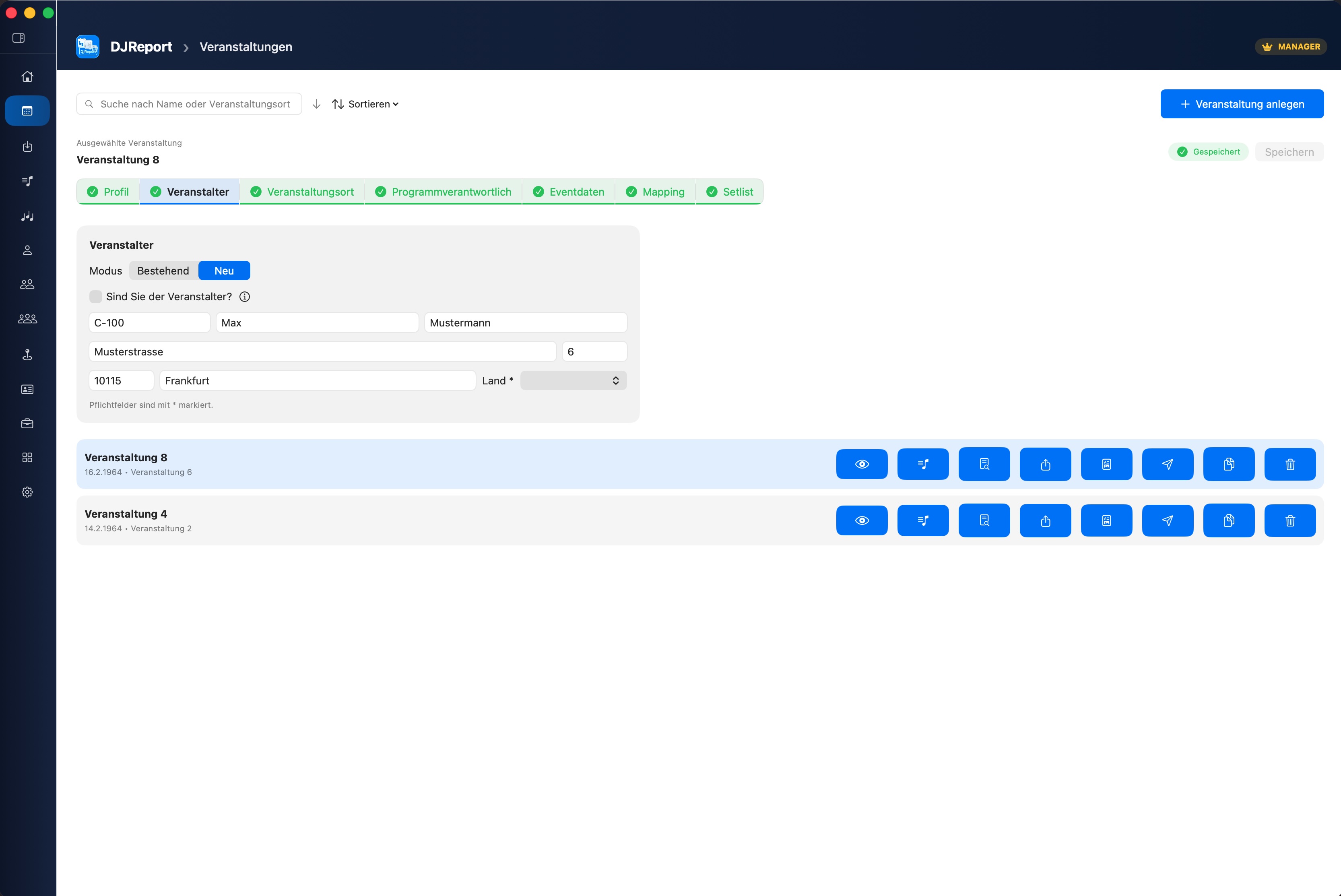
Directly from your DJ software
Rekordbox database, Serato crates & history, CSV, TXT, M3U – DJReport imports your setlists without detours. No export from your DJ software required.
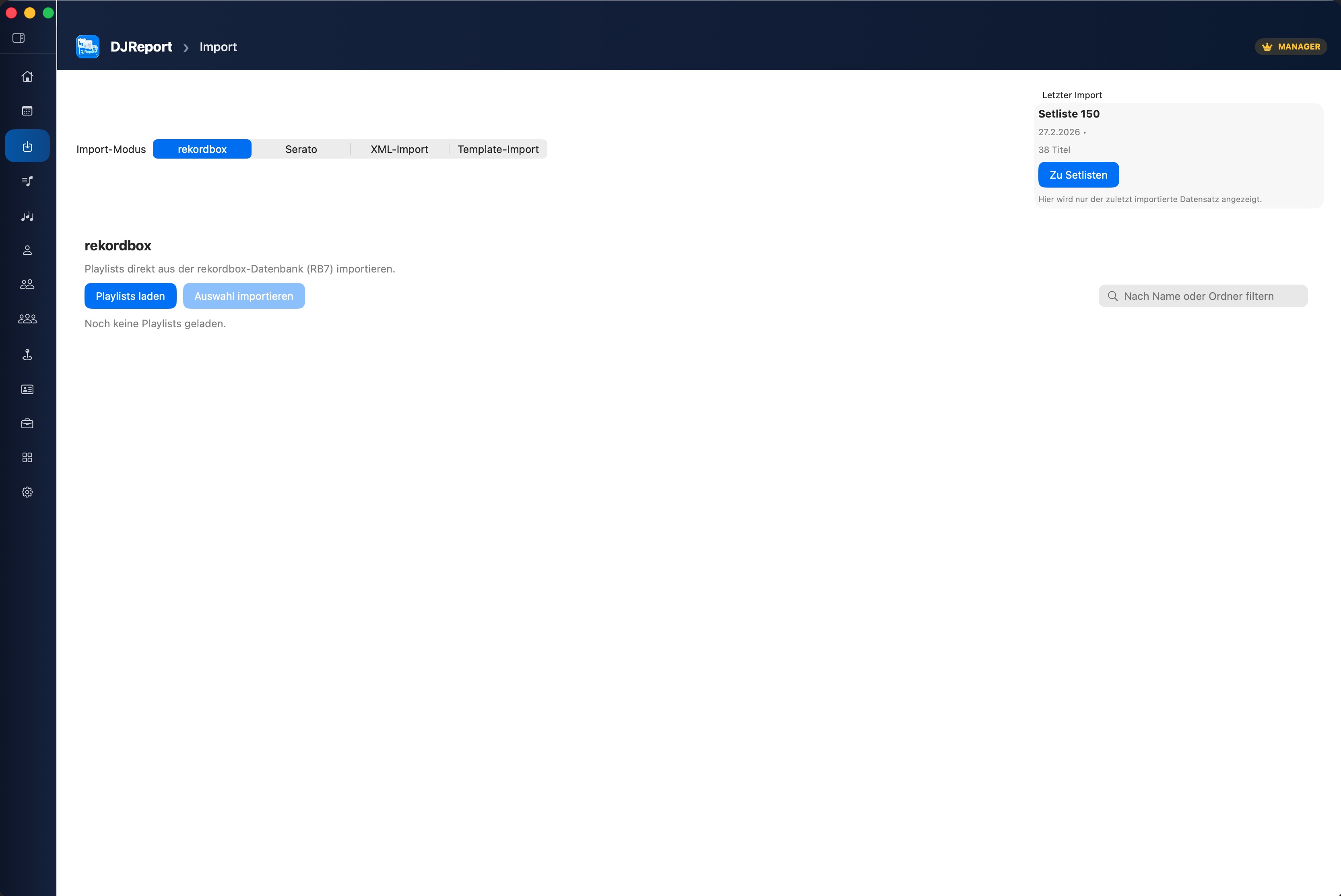
Setlists with all details
All tracks with title, artist, duration and GEMA-relevant fields. Search with autocomplete, sorting, and automatic track time calculation with natural variation.
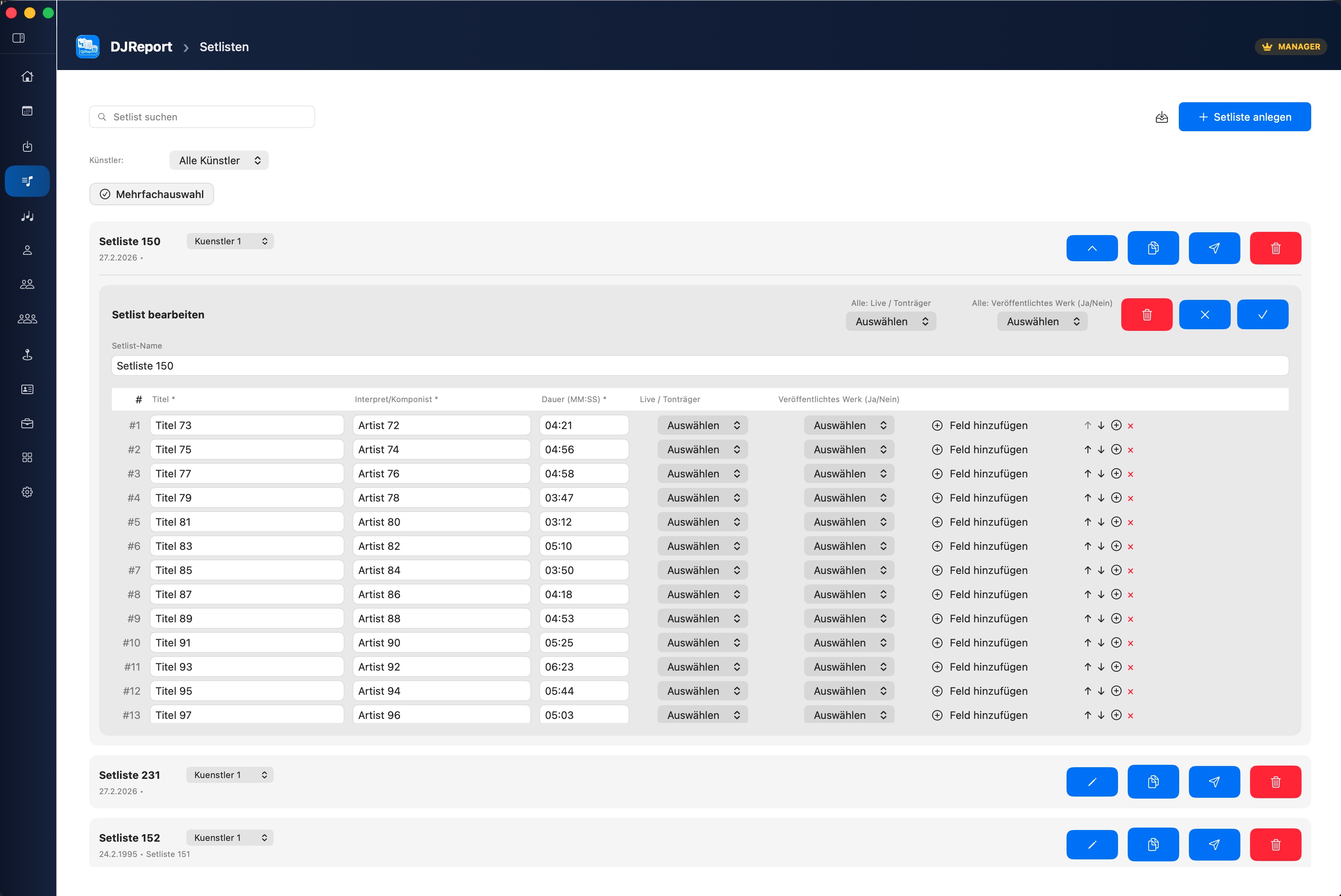
GEMA Report. Ready instantly.
DJReport includes the official GEMA template – all required fields correctly mapped, ready to export as XLSX or PDF. No manual filling, no formatting work.
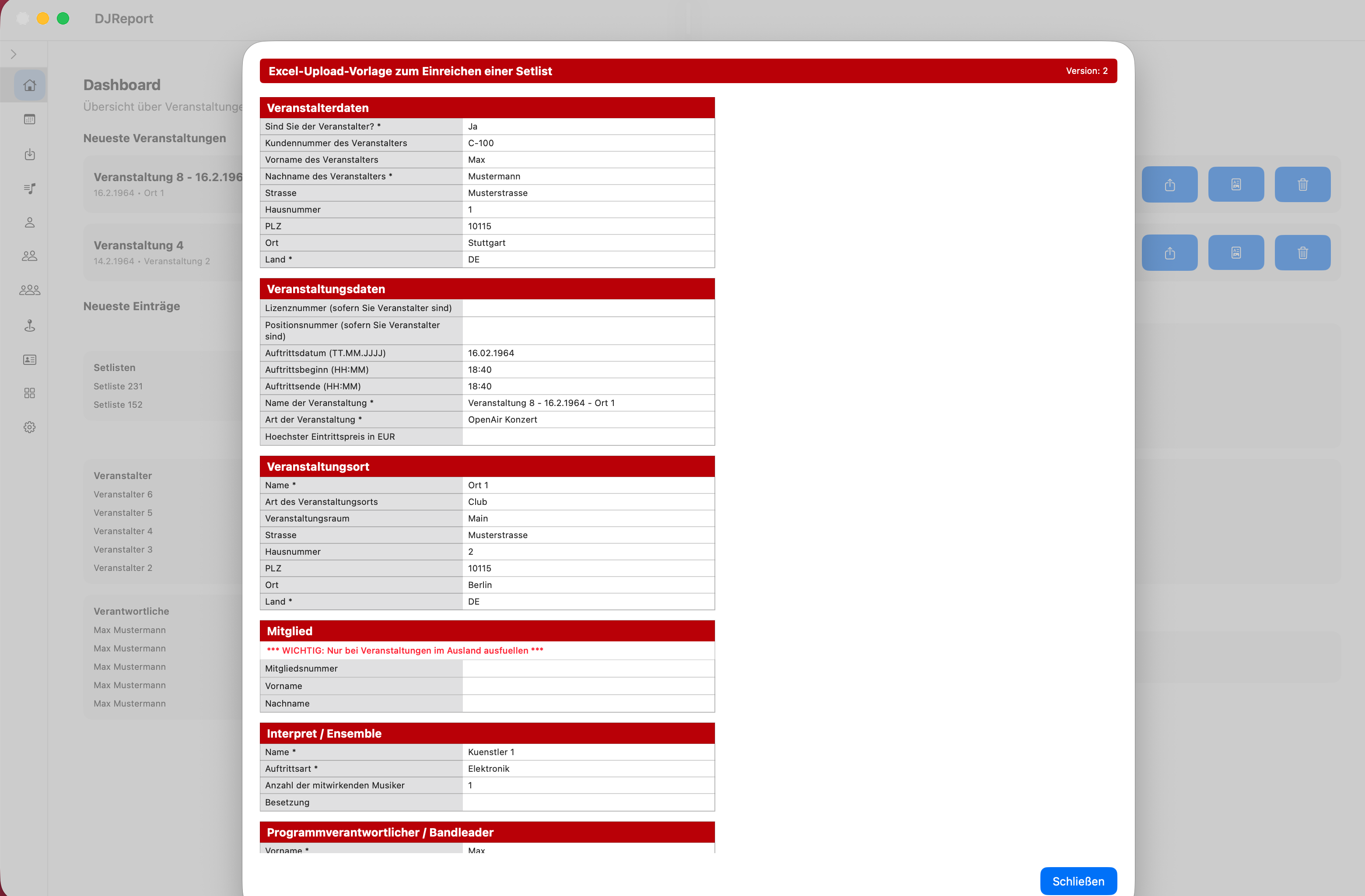
Any format. Your design.
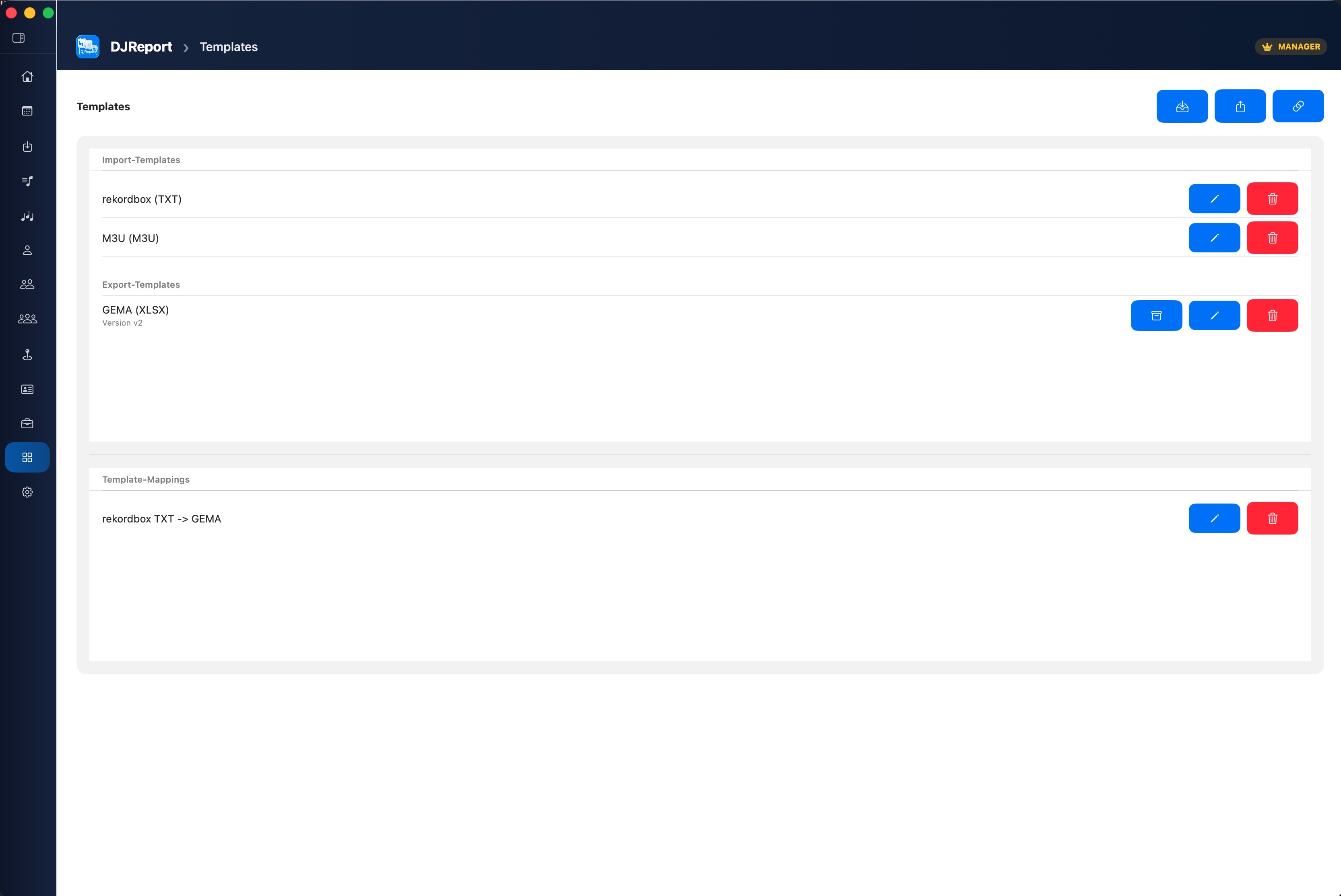
Got your own template – from an organiser, authority or self-created? Simply import the XLSX file. DJReport analyses structure and fields automatically, you map once which data goes where. The export then appears in the exact same design as your template – reusable any time.
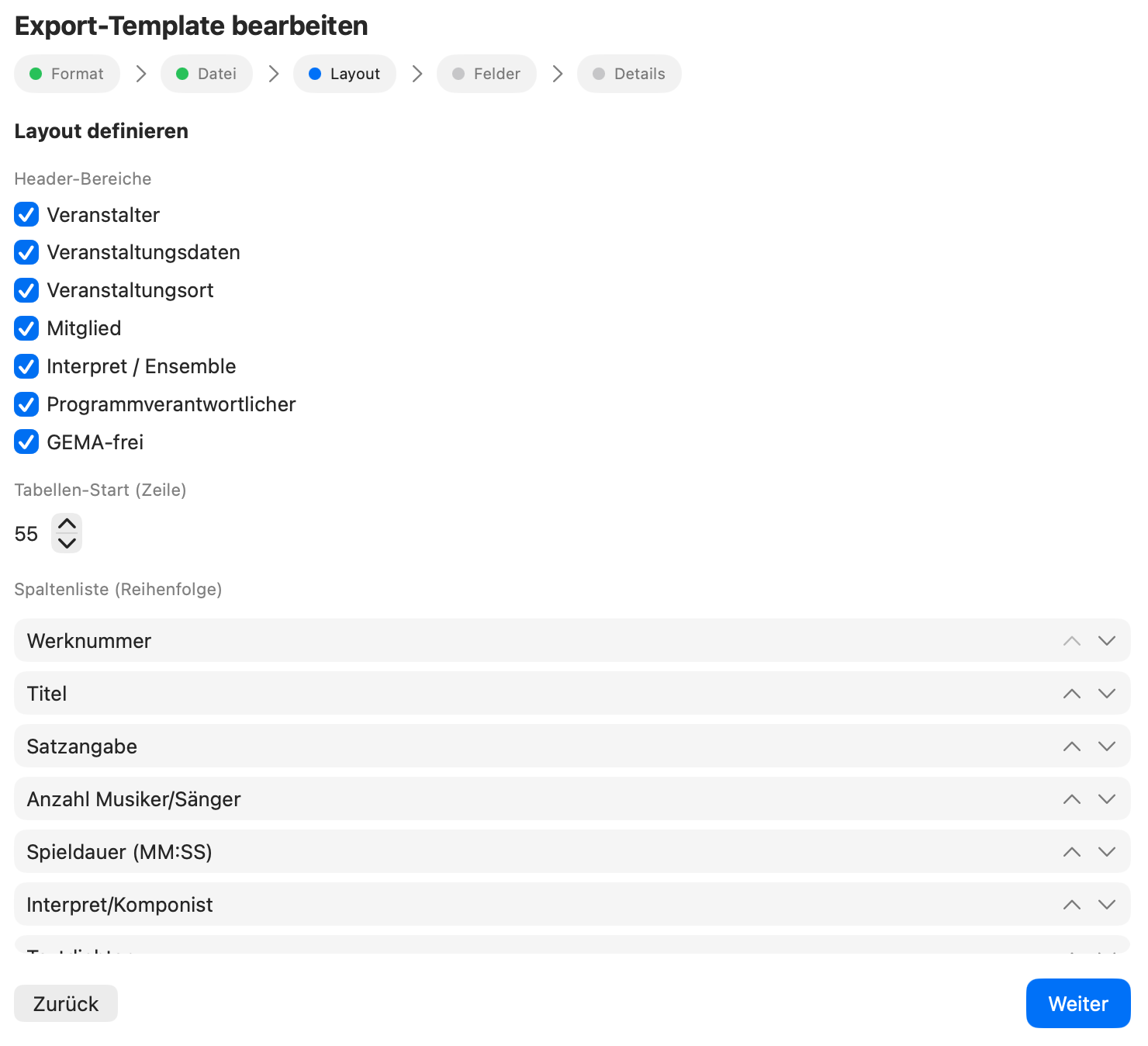
GEMA data at the push of a button.
Import your repertoire directly as a GEMA XLSX. DJReport automatically matches on setlist import – work numbers, ISWC, composers and publishers are applied automatically. No more manual follow-up work.
And even more
Everything included.
DJReport thinks of every detail.
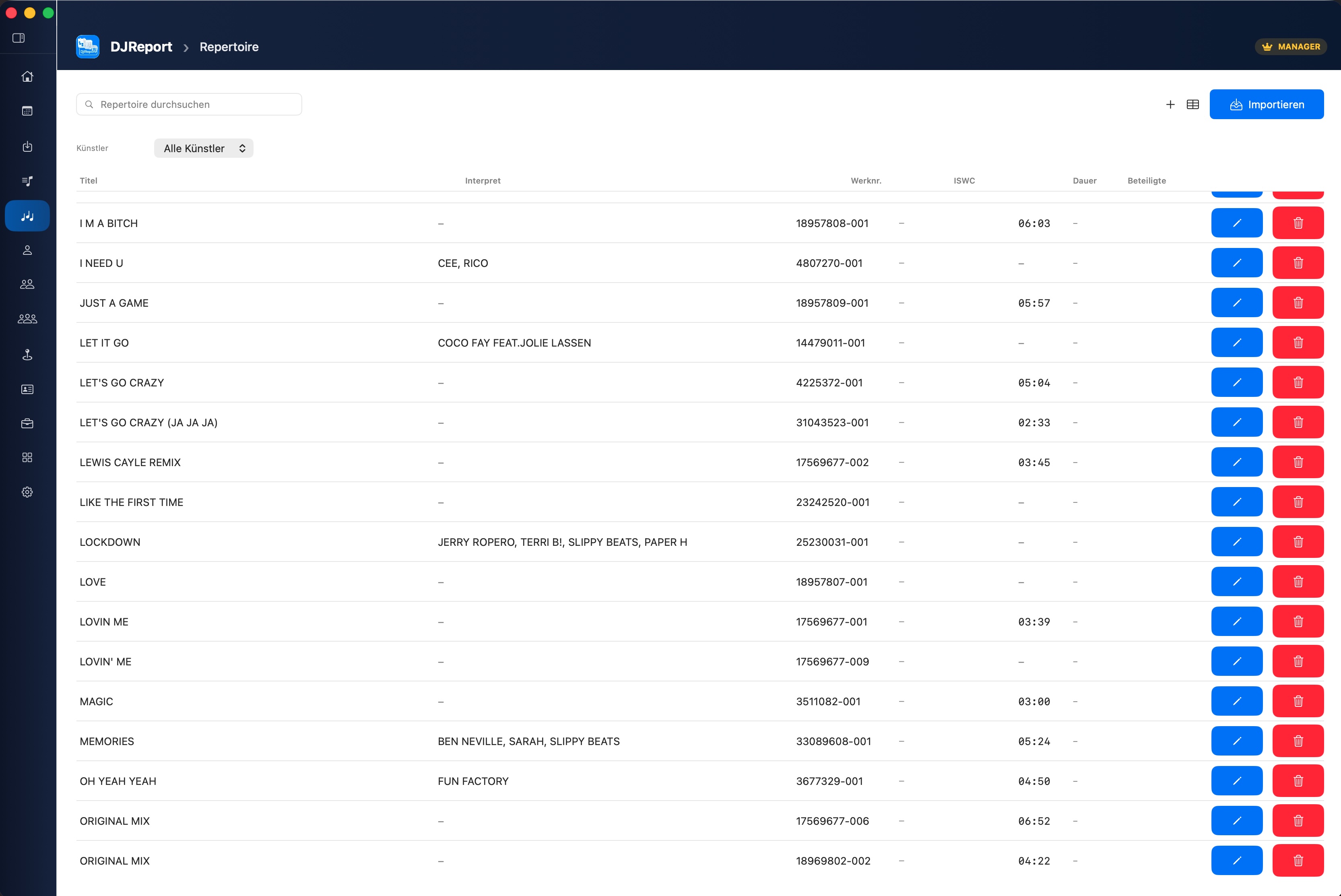
Repertoire
Manage your musical works centrally. Import GEMA XLSX, automatic matching on setlist import – work numbers and ISWC are applied instantly.
Artist Profiles
Multiple profiles for different DJ aliases. GEMA membership number, contact details – all stored.
Master Data
Manage organisers, venues and programme managers centrally and reuse them in every event.
Export Templates
Import your own XLSX as a template – DJReport analyses fields automatically. Export in exactly the same design, reusable any time.
Backup & Data
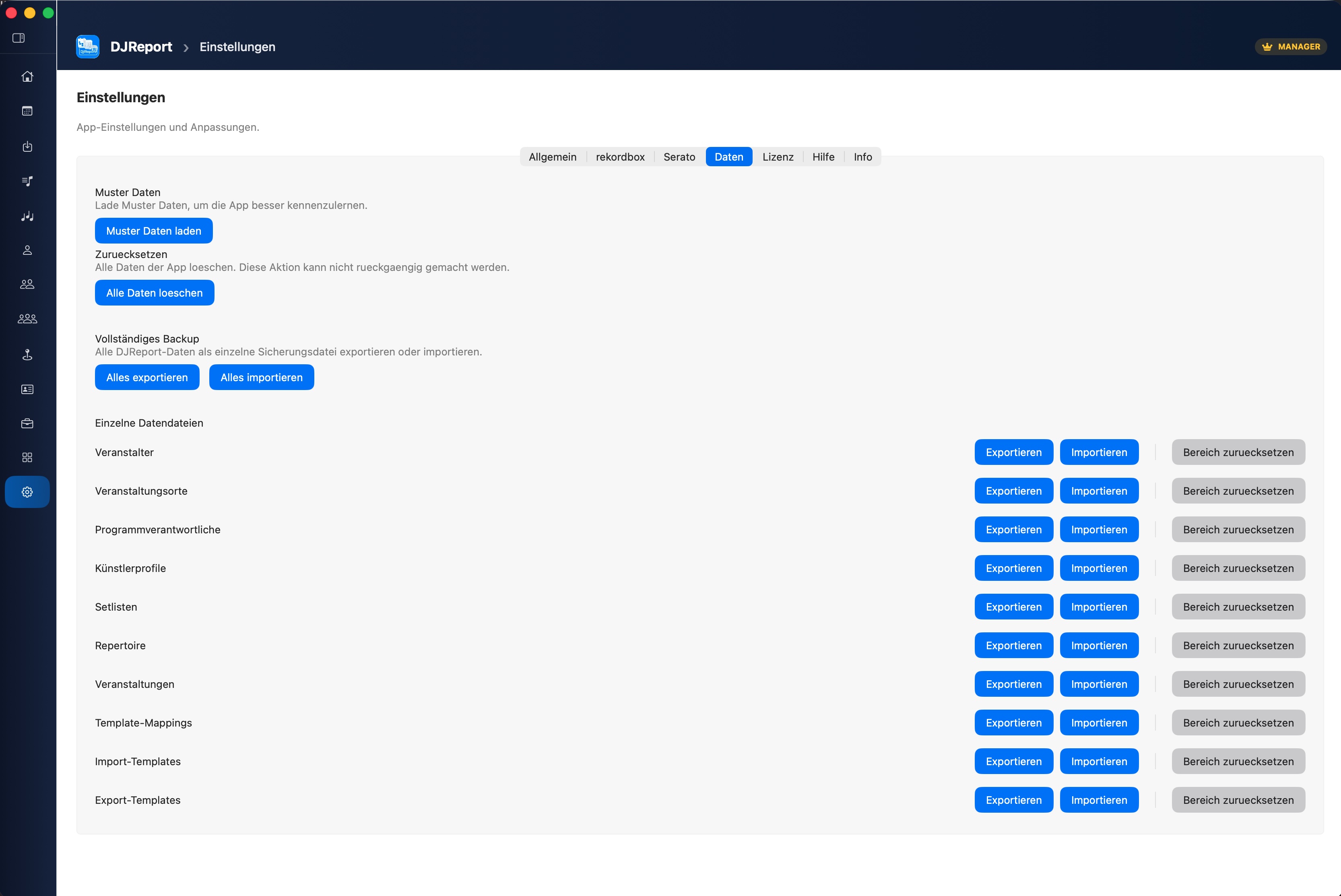
Full or partial backup as JSON. Merge or overwrite on import. Sample data for testing. Reset individual sections.
German & English
Complete localisation. Switch language directly in settings.
Track Time Calculation
Realistic play times calculated automatically – with ±30% variation, no even distribution.
Manual Setlists
Create setlists directly in DJReport – no import needed. Repertoire autocomplete suggests titles and fills in all fields automatically.
Local & Privacy
All data stays on your Mac. No cloud, no account, no uploads – DJReport works completely offline.
Introduction Guide New
On first launch, an interactive 11-step guide walks you through all key areas of the app – with spotlight highlights and contextual explanations. Can be restarted at any time from Settings.
Introduction Guide
Step by step to your first report.
The interactive guide walks you through all key areas of the app on first launch – including spotlight highlights.
The guide can be relaunched at any time via Settings → Restart introduction guide.
Artist meets Management.
Send setlists and events directly from DJReport to your management – as a secure .djreport package via email, AirDrop or macOS Share button. Management imports, adds details and submits to GEMA or publishers.
.djreport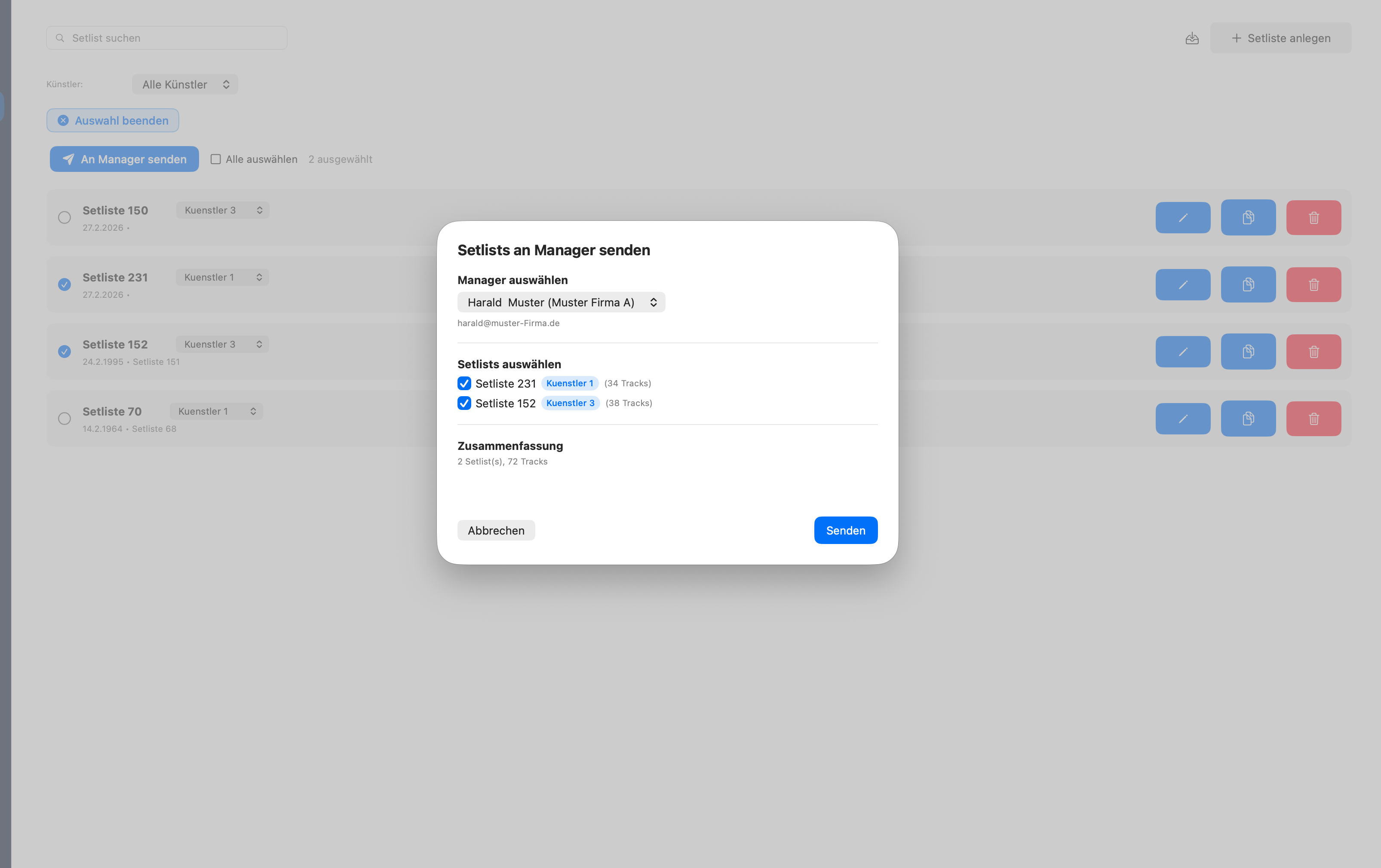
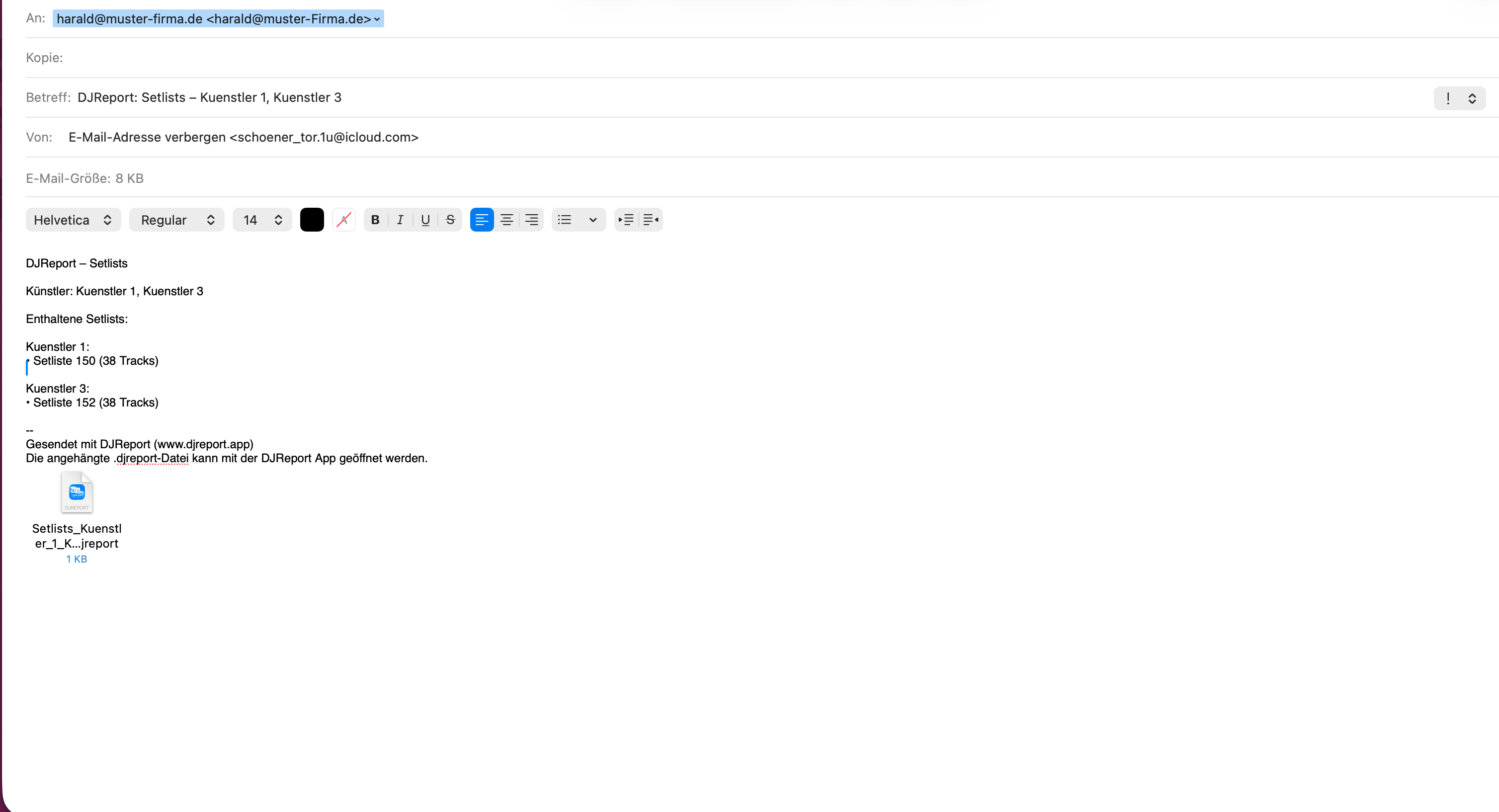
Workflow
From zero to report.
7 steps. One wizard. Done.
Profile
Select artist profile
Organiser
Choose or create
Venue
Assign event venue
Manager
Set programme manager
Event Data
Date, start, end
Mapping
Choose export template
Setlist
Link setlist
Import
Your sources. Your format.
No manual data entry – DJReport reads directly from your DJ sources.
- Direct access to local database
- History import (played sets)
- XML import (legacy)
- Title, artist, BPM, duration, key
- Load crates & subcrates
- History sessions (binary parser)
- Title, artist, BPM, duration
- Automatic format detection
- Flexible column mapping
- Header detection
- Configurable delimiter
- Save mapping templates
Pricing
Start free. Choose your tier.
Every higher tier includes all features from lower ones. Only pay for what you need.
| Feature | Free | ArtistSYNC | SYNC + Export | Manager |
|---|---|---|---|---|
| Dashboard & Events | ✓ | ✓ | ✓ | ✓ |
| 7-Step Wizard | ✓ | ✓ | ✓ | ✓ |
| Manage setlists | ✓ | ✓ | ✓ | ✓ |
| Manage master data | ✓ | ✓ | ✓ | ✓ |
| Load sample data | ✓ | ✓ | ✓ | ✓ |
| Rekordbox & Serato Import | ✓ | ✓ | ✓ | ✓ |
| CSV / TXT / M3U Import | ✓ | ✓ | ✓ | ✓ |
| Create & import backup | ✓ | ✓ | ✓ | ✓ |
| Repertoire (import, search, matching) | ✓ | ✓ | ✓ | ✓ |
| Import templates & mappings | — | ✓ | ✓ | ✓ |
| Manager send (ArtistSYNC) | — | ✓ | ✓ | ✓ |
| GEMA export (XLSX & PDF) | — | — | ✓ | ✓ |
| Create & edit export templates | — | — | ✓ | ✓ |
| Import own XLSX as export template | — | — | ✓ | ✓ |
| Export / import individual sections | — | — | ✓ | ✓ |
| .djreport import | — | — | — | ✓ |
| Manage artist profiles | — | — | — | ✓ |
| Repertoire profile filter | — | — | — | ✓ |
← swipe for all subscription tiers →
ArtistSYNC
- Templates & Mappings
- Manager send (.djreport)
ArtistSYNC + Export
- Everything in ArtistSYNC
- GEMA export (XLSX & PDF)
- Create export templates
- Import own XLSX as template
- Export individual sections
Manager Full Access
- Everything in SYNC + Export
- .djreport import
- Manage artist profiles (CRUD)
- For management offices
100% local. 100% private.
DJReport works completely offline. No cloud, no account, no data transfer. Everything stays on your Mac.
Explore the app
A look inside DJReport.
Clean. Clear. Thoughtful.
Ready for professional
GEMA reports?
Download DJReport for free from the Mac App Store.
Download on the App Store